

2.8 KiB
2.8 KiB
Gameflow Deck
A Cross-Platform Retro gaming frontend designed for handheld and controllers. Focused on building a simple user experience and intuitive UI.
Warning
This app is actively in development, it doesn't have most of its critical features implemented yet. It will have an opinionated design and will be used as an experiment in discovering a good UX.
Features
- Cross Platform: Can run on multiple platforms. Built with web technologies and bun backend.
- Romm Support: Has integration with romm.
- Lightweight: It uses the existing system browser to launch the front end, so no need to include a whole web browser.
- On Windows it first uses webview2 then your browser
- On linux it uses WebKitGTK or a browser even from flatpak
- Not tested on Mac yet
- Steam Deck Support: Extensively tested with the steam deck. It can use flatpak installed browsers.
- Great for Controllers: The UI is inspired by the switch and works great with joysticks and dpads.
- Automatic Download Downloads roms from ROMM automatically
- Automatic Emulator Discovery Using the configs of the excellent ES-DE to discover installed emulators and launch games.
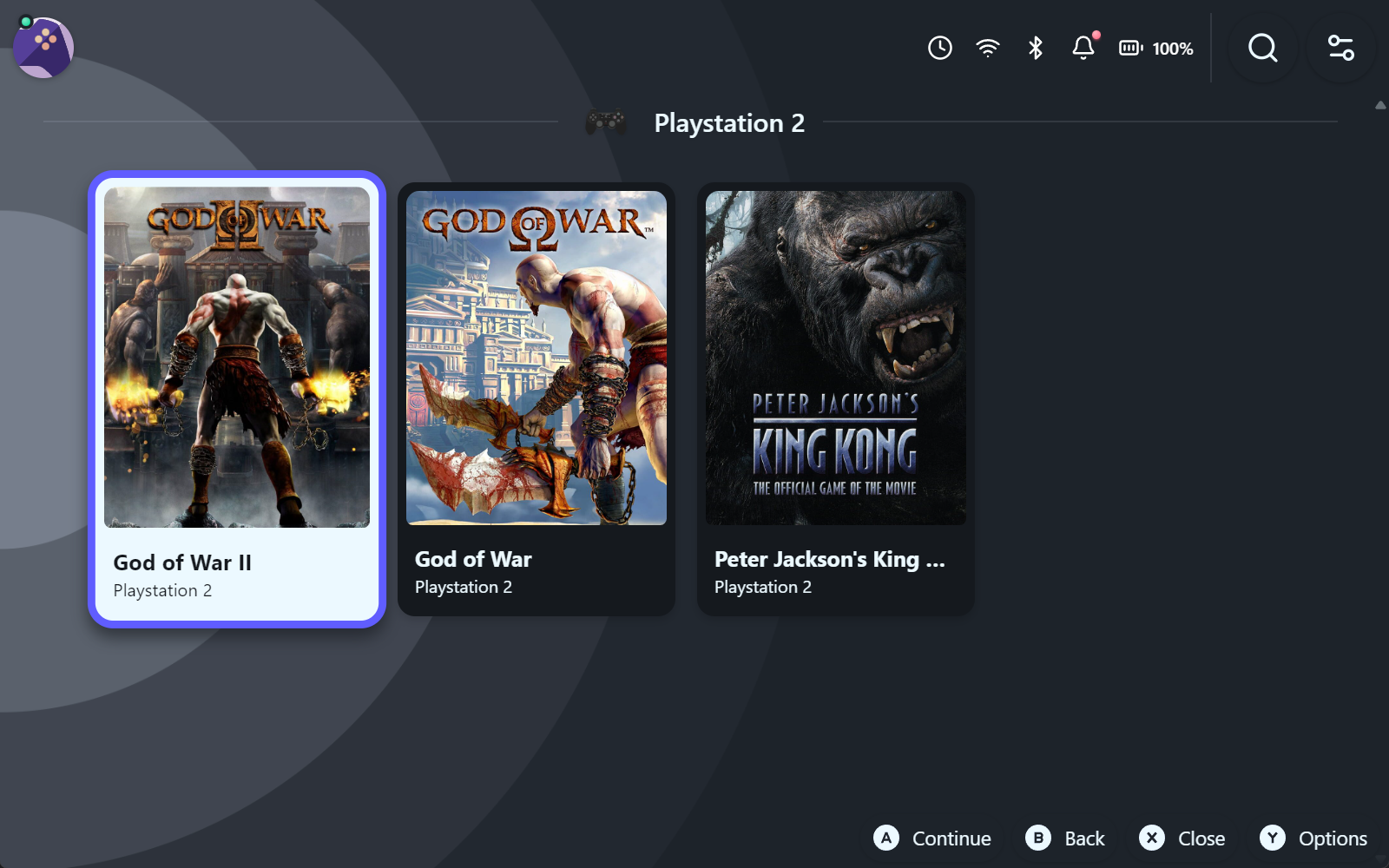
Screenshots
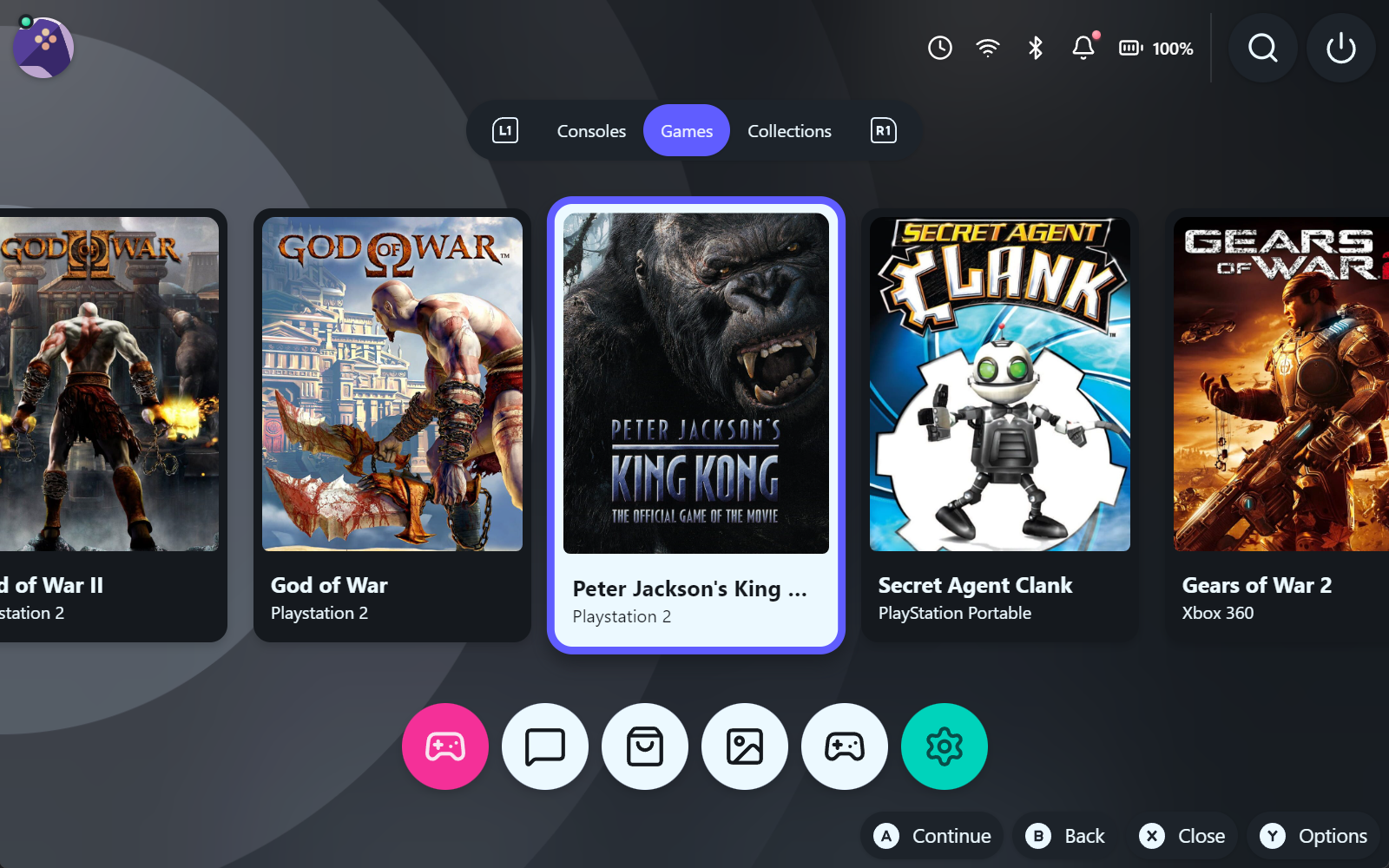
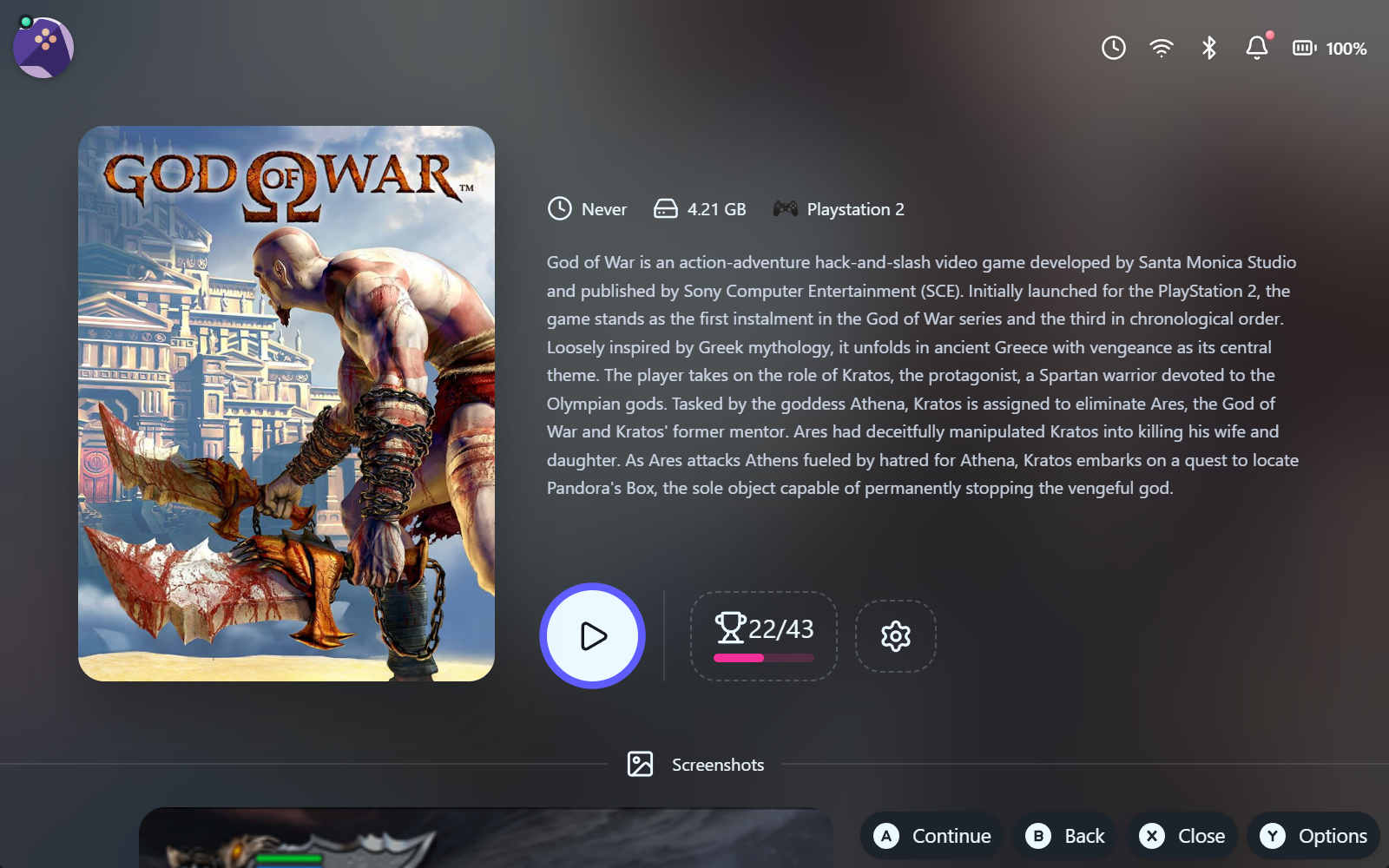
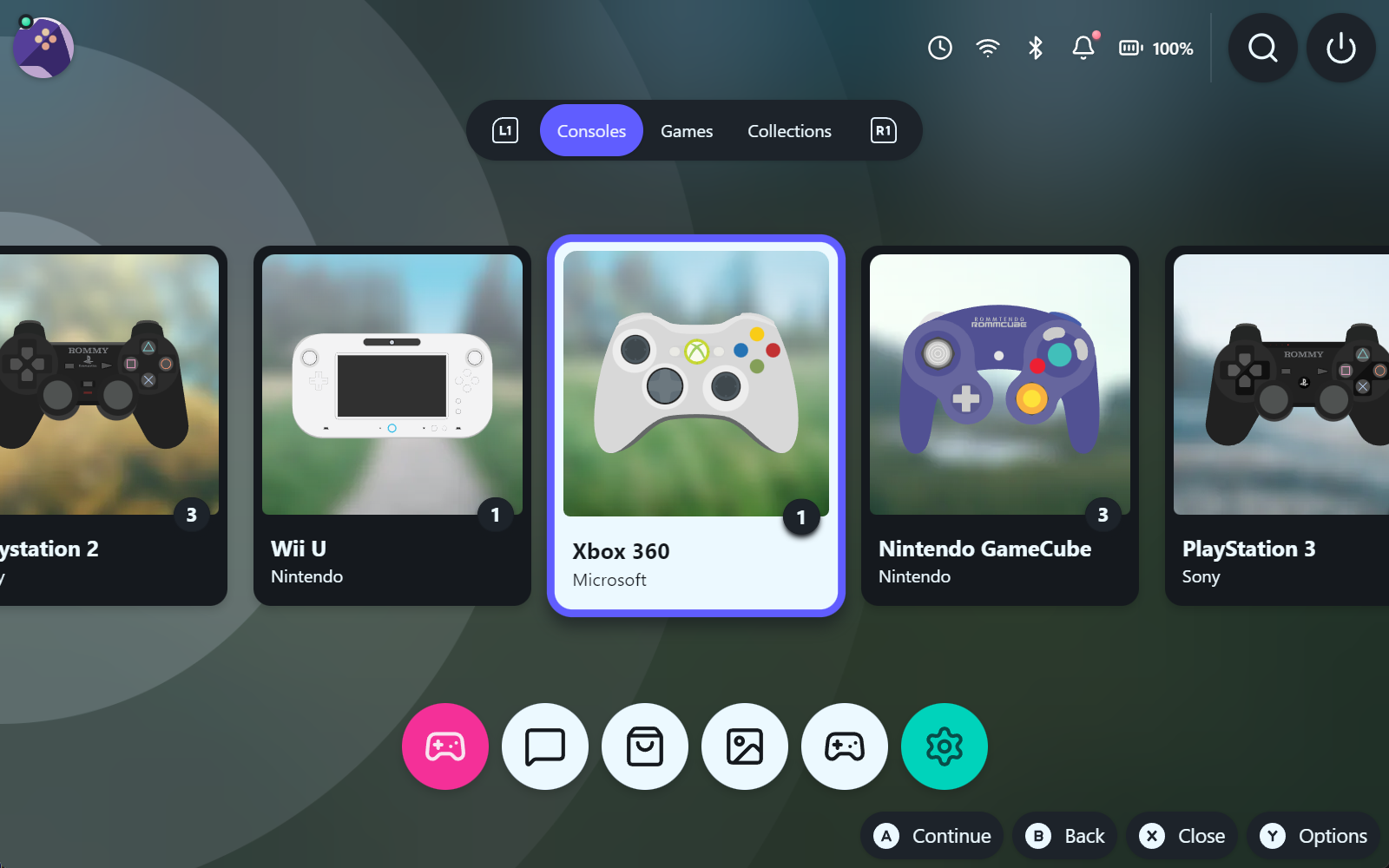
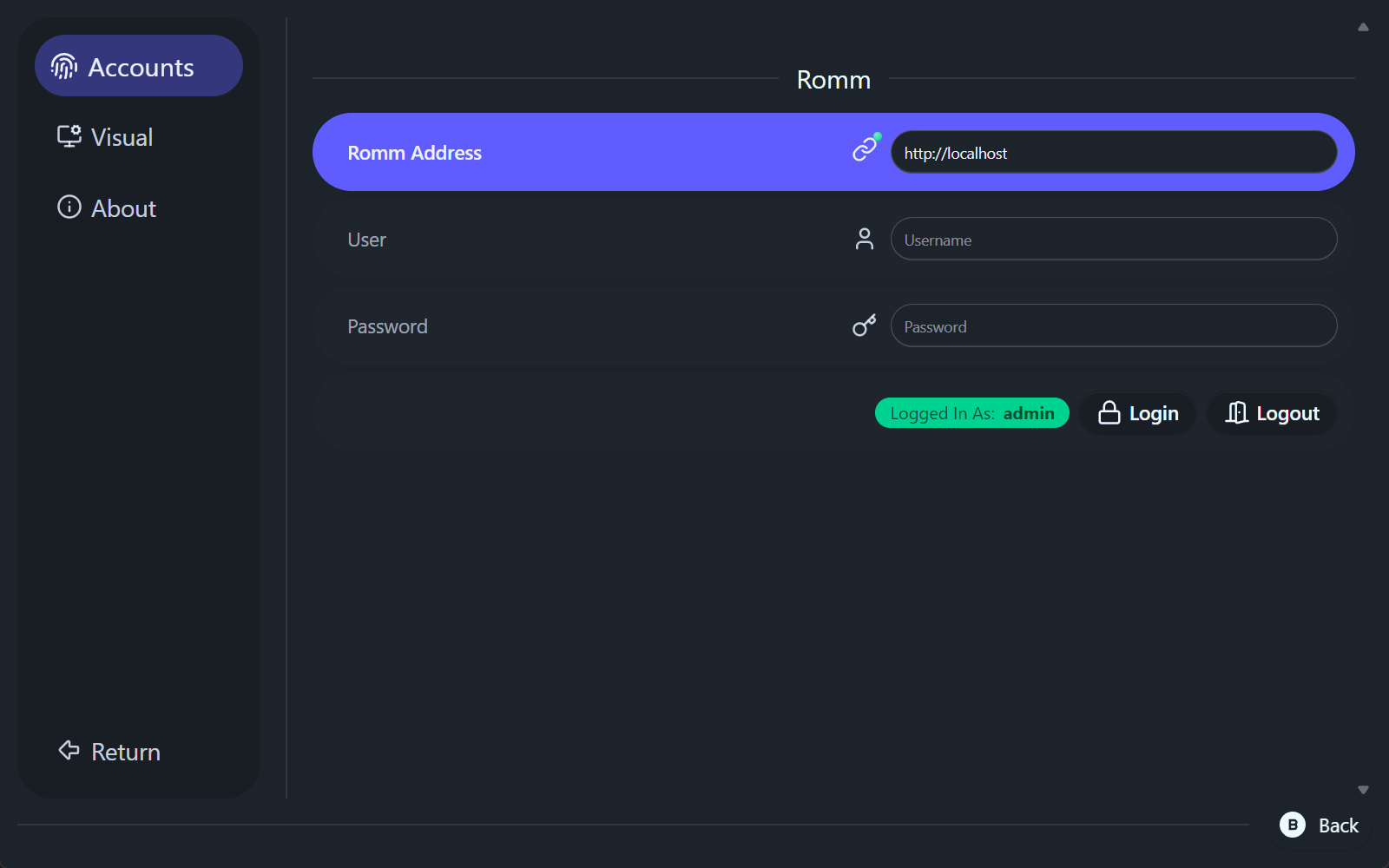
Development
-
Install dependencies:
bun install -
Run in development mode:
# Use 'bun run dev:hmr' for hot reload bun run dev -
Build for production:
bun run package:auto-prodBuilds will go in
/builds/<platform>. -
Additional Commands:
bun run mappings:generateconverts the es-de configs into local sqlite configs with mappings to rom systemsbun run drizzle:generategenerates sqlite migrations based on the app schemabun run openapi-tsgenerated the openapi client calls from romm's APIbun run packagebuilds an executablebun run package:auto-prodbuilds and executable for production